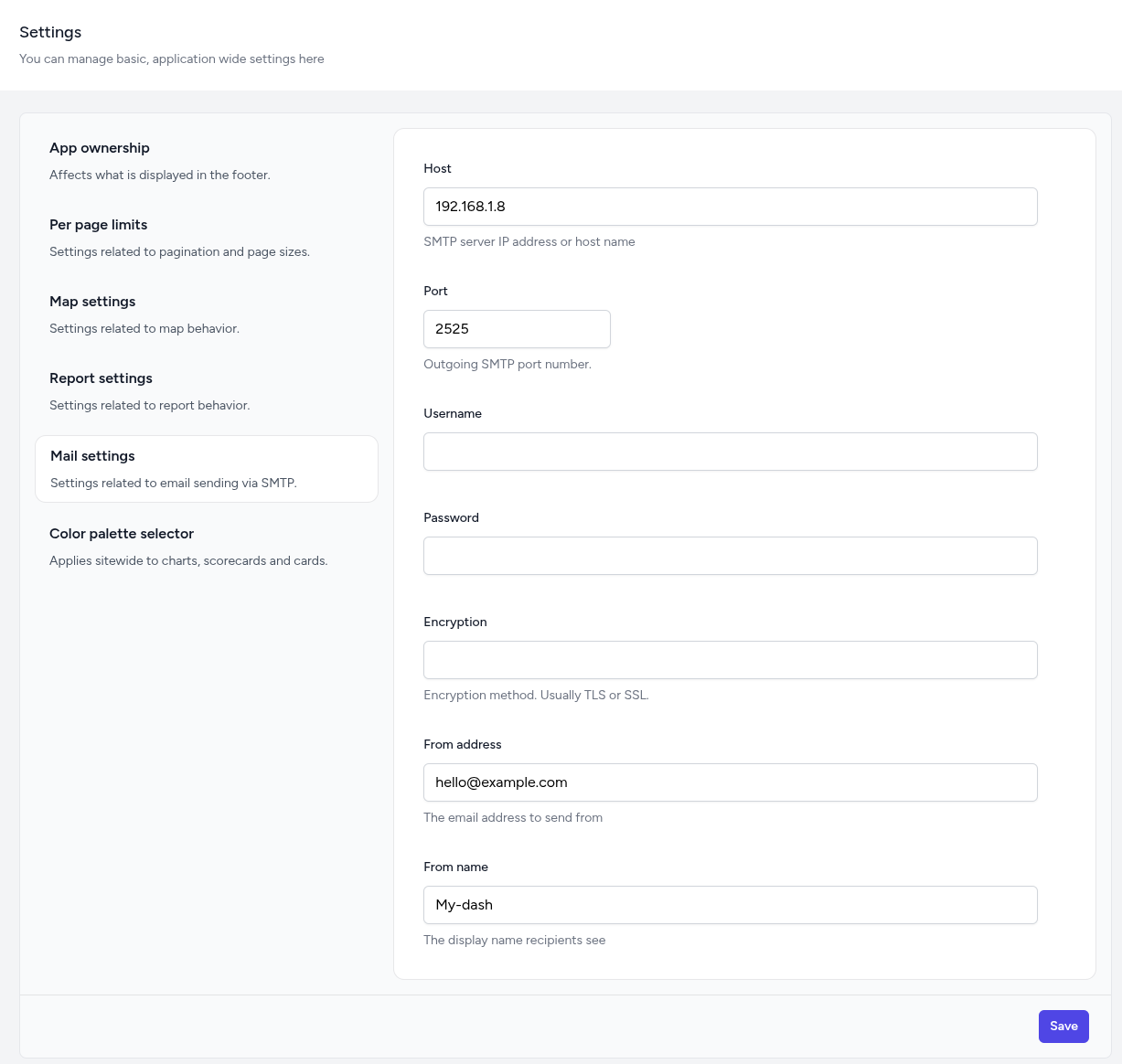
Configuring email server
By default, emailing is disabled.
There are various emails that can be sent by the dashboard.
-
Invitation links
-
Various types of notifications
-
Password recovery links (forgot password), etc.
To be able to send emails from the dashboard, you will need to have a mail server prepared.
Configurations can be entered under the "Mail settings" of the "Settings" sub-menu of the Manage dashboard admin menu. If mail is not enabled, the mailer that will be used is what is set by the MAIL_MAILER setting in the .env file, but if enabled, the settings you provide for the SMTP server will be used.