Introduction
Dashboard Starter Kit is a secure, web-based application designed for monitoring census and survey operations. It provides a comprehensive view of ongoing activities, featuring key indicators, scorecards, and maps to help you track performance and data quality in real-time.
As a user, you can access the Dashboard by invitation only. The dashboard manager will invite you to register by sending you a link to register (via email or other mediums). Invitation links are one-time use and will expire after a set number of hours. Once you register, you will be able to sign in and access the Dashboard.
Registering
Access to the Dashboard is by invitation only.
- Receive Invitation: You will receive an email from the dashboard manager.
- Click Register: Click the [REGISTER] link in the email.
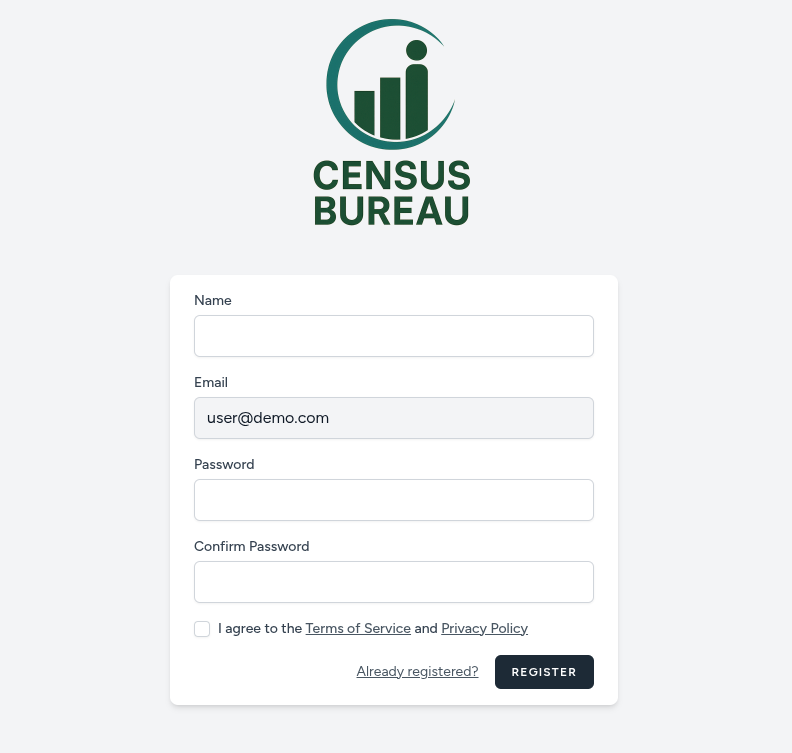
- Create Account:
- Enter your name.
- Create and confirm your password.
- Agree to the terms of service and privacy policy.
- Click Register.
Signing In
- Open Browser: Navigate to the Dashboard URL.
- Landing Page: Click Sign In or Get Started.
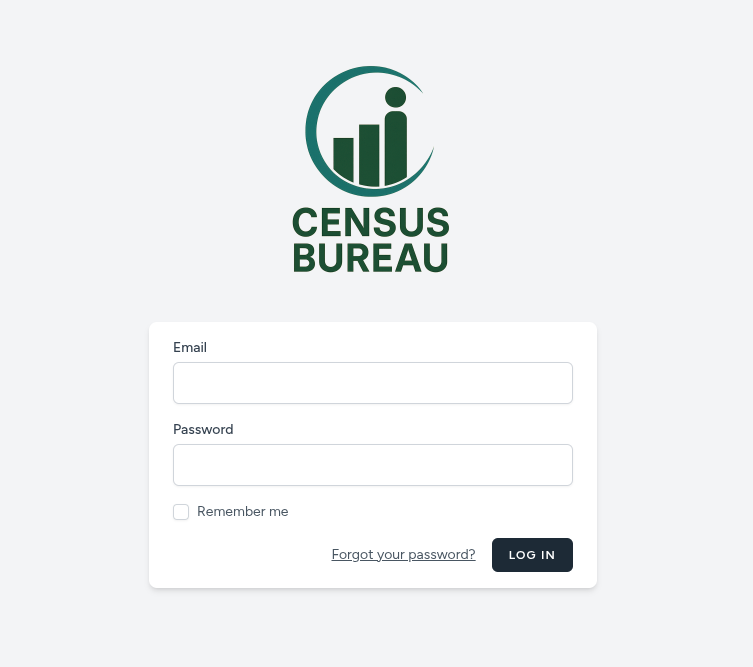
- Credentials: Enter your username and password, then click Login.
If you happen to forget your password, you can reset it by clicking on the Forgot Password link on the login page. (This is contingent on the dashboard manager enabling/configuring email sending from the dashboard.)
Overview
Once logged in, you will see the Home Page, which provides a high-level snapshot of all, currently configured to display on the homepage, field operations.
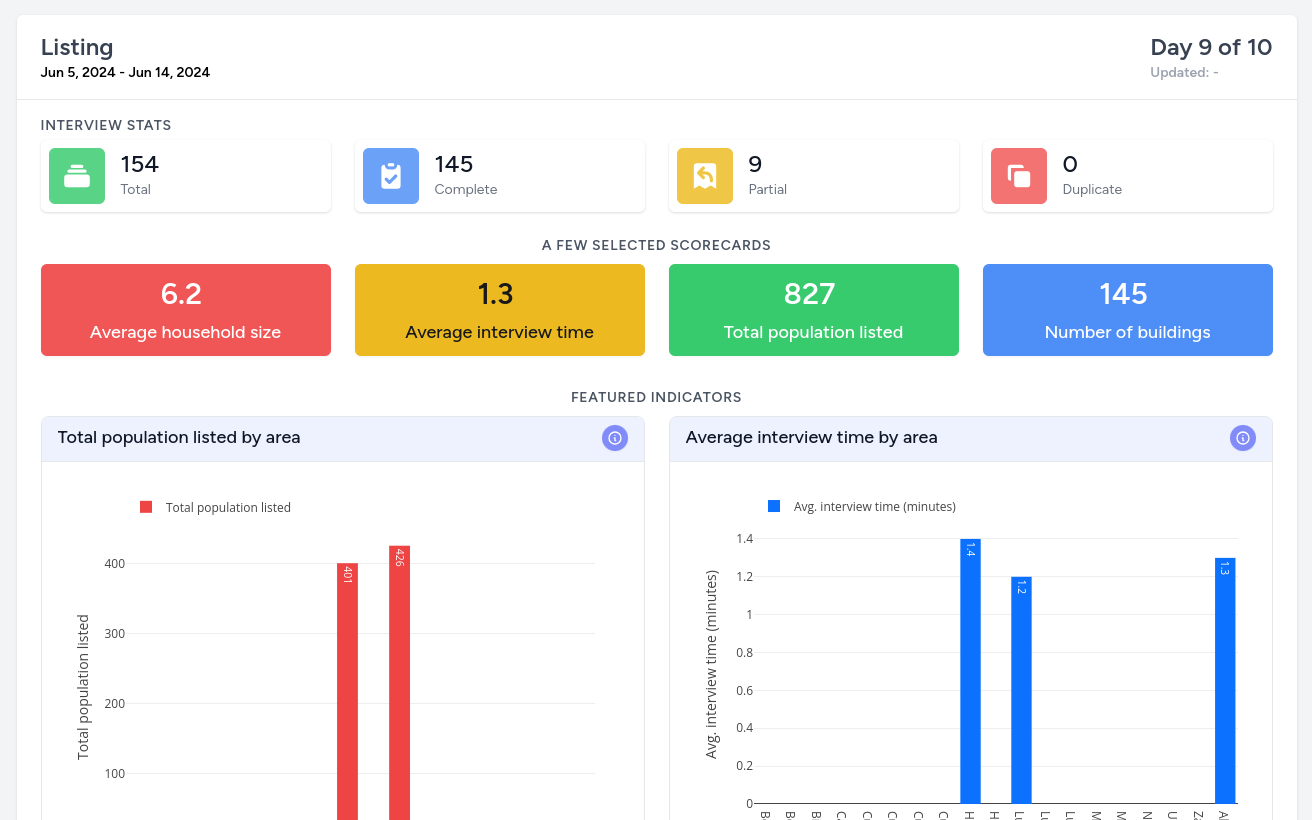
- Interview Stats: Instant counts of completed, partial, and duplicate cases.
- Scorecards: Performance metrics like "Households Enumerated" or "Average Interview Time".
- Featured Indicators: Interactive visual charts and graphs of key selected indicators.
- Menu: Easy access to specific sections like Maps, Reports, and Indicators.