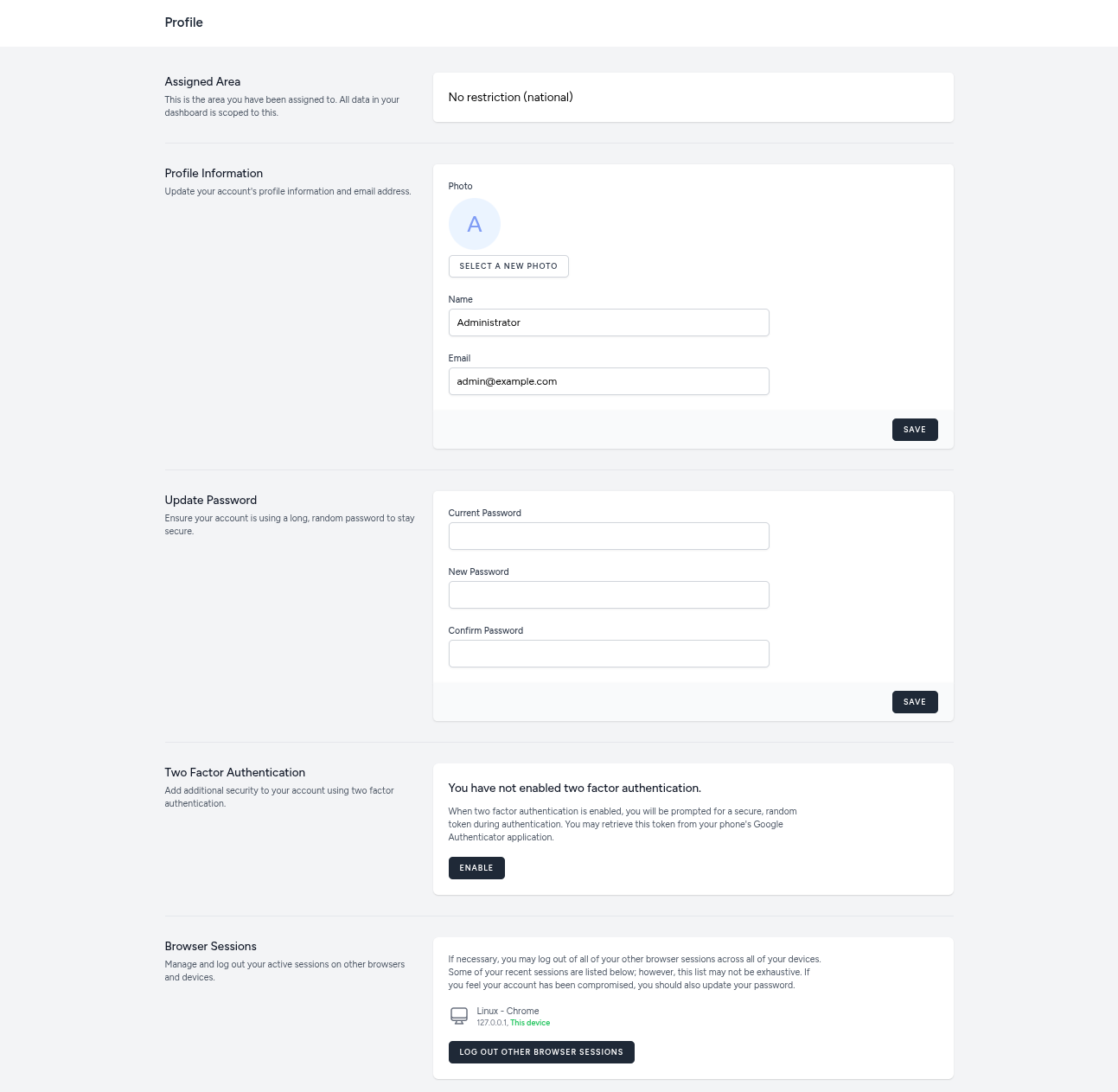
User profile
Your User Profile allows you to manage your personal information and security settings.
Accessing Profile
Click your name or avatar in the top right corner and select Profile.
Profile Sections
1. Area Assignment
Shows the geographic area you are restricted to (if any). You can only view data within this assigned area.
2. Profile Information
- Update your Profile Picture.
- Update your Name or Email.
- Click Save to apply changes.
3. Password Change
To change your password:
- Enter your Current Password.
- Enter your New Password.
- Confirm the new password.
- Submit.
4. Two-Factor Authentication (2FA)
(See the 2FA section for details).
5. Browser Sessions
(See the Browser Sessions section for details).